A remote worker can set up automated Sahoor and Iftar reminders on their smartwatch in just a few minutes: install the HalalFaith app, enable the Ramadan AI Calendar, grant location and time‑zone permissions, and create smartwatch notifications that trigger precise countdowns for each meal.
Start by downloading the free HalalFaith app from the App Store or Google Play. The app is mobile‑friendly and works worldwide (USA, Canada, UK, Europe, Australia, Middle East), so you’ll have the same feature set regardless of where you’re logging in from.
After installation, open the app and navigate to the Ramadan AI Calendar. This calendar automatically adjusts for daylight‑saving changes in every country, ensuring the Sahoor and Iftar times are always accurate – a capability explained in detail in our post How does the Ramadan AI calendar sync automatically with different daylight‑saving rules in multiple countries?.
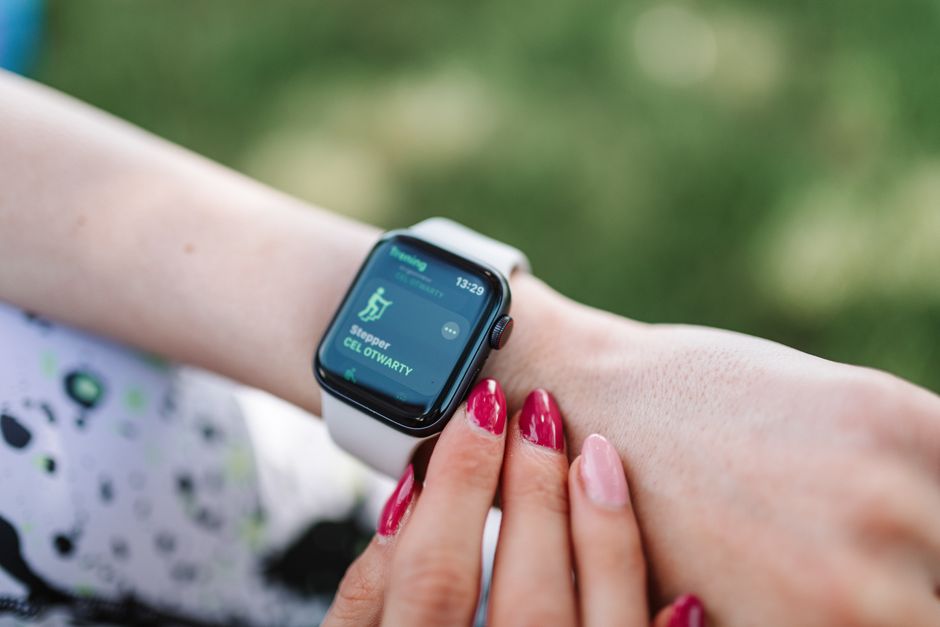
Enable the ‘Sync with Wearables’ toggle. HalalFaith supports major smartwatch platforms such as Apple Watch, Wear OS, and Samsung Galaxy Watch. The integration uses standard Bluetooth protocols, so no additional hardware is required.
Grant the app permission to access your device’s location and system clock. The Smart Masjid & Prayer Times Finder uses precise GPS data to calculate prayer times, and the same engine powers the Ramadan reminders, guaranteeing they match the local Fajr and Maghrib times for your exact address.
Set your preferred notification style: a subtle vibration, a spoken Adhan (choose between Makkah or Madina), or a visual banner. You can also add a custom label like ‘Sahoor – start eating in 10 min’ to keep the alert clear during a virtual meeting.
If you work across time zones, use the built‑in time‑zone selector. HalalFaith will automatically recalculate Sahoor and Iftar times when you travel, so you never miss a meal even if you move from New York to London mid‑Ramadan.
Test the reminder by selecting a future date and tapping ‘Preview’. The smartwatch will display a countdown and play the chosen Adhan, letting you verify volume and vibration strength before the actual day.
For added productivity, link the reminder to your calendar app (Google Calendar, Outlook, or iCal). HalalFaith can create all‑day events titled ‘Sahoor’ and ‘Iftar’ that appear alongside your work meetings, preventing scheduling conflicts.
Finally, keep the app updated. Each quarterly release adds new AI‑driven features, such as the halal ingredient scanner and AI Islamic scholar assistant, which enrich your overall experience while you stay focused on work and worship.
By following these steps, remote professionals can maintain a consistent fasting routine without manual calculations, ensuring they honor their religious obligations while staying productive across global time zones.
Related Guide: Which international halal certification marks are reliably recognized by the HalalFaith AI ingredient scanner?