The best way to use the Ramadan AI calendar for freelancers with irregular weekly schedules is to sync the calendar with your personal work timetable, enable customizable Sahoor and Iftar alerts that adjust to your changing hours, and integrate prayer‑time blocks into your task manager so you can maintain both spiritual obligations and productivity without conflict. This direct approach ensures you never miss a fasting window or a prayer, even when your client calls or project deadlines shift across time zones.
Start by importing your freelance workload into the HalalFaith app. Whether you track projects in Asana, Trello, or a simple spreadsheet, you can create calendar events that represent billable hours, client calls, and deadlines. The Ramadan AI calendar will then overlay precise prayer times and fasting windows on top of these events, highlighting potential conflicts before they arise.
Next, activate the *Dynamic Sahoor/Iftar Alerts* feature. Unlike static timers, this AI‑driven alert learns your weekly patterns—early‑morning calls on Mondays, late‑night coding on Fridays—and automatically adjusts the countdown to reflect the exact moment you need to start or break your fast, regardless of timezone changes during travel.
Freelancers often work across continents, so enable the *Timezone‑Aware Mode* in the calendar settings. The AI will recalculate prayer times and fasting periods based on your current location, ensuring that a remote gig in London or a client video call in Dubai never forces you to break your fast at the wrong moment.
To keep focus during work blocks, use the built‑in *Prayer‑Break Scheduler*. Allocate short, 5‑minute windows before or after each Salah (Fajr, Dhuhr, Asr, Maghrib, Isha) and let the app generate gentle audio Adhan cues that blend into your ambient workspace, helping you transition smoothly between tasks and worship.
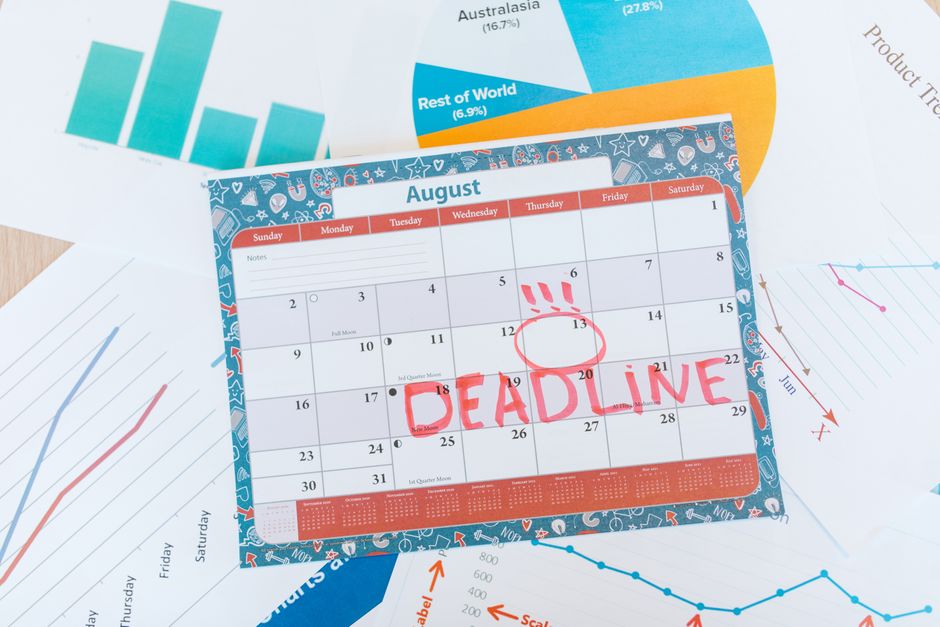
When a deadline looms, the AI can suggest *Productivity Peaks* that align with your energy levels and fasting state. For example, it may recommend tackling high‑cognitive tasks after Suhoor when you’re most refreshed, and scheduling routine admin work after Iftar when energy returns, optimizing output while respecting your spiritual commitments.
If you travel for a conference or client meeting, the Ramadan AI calendar syncs with your flight itinerary to automatically adjust prayer times for each layover. This prevents missed prayers during transit and ensures your fasting schedule stays accurate across multiple airports and time zones.
For freelancers who collaborate with non‑Muslim teammates, the *Shared Calendar Integration* lets you publish your prayer and fasting windows as read‑only events in Google Calendar or Outlook. This transparency fosters understanding and helps schedule meetings at mutually convenient times, avoiding accidental scheduling during Salah.
Don't overlook the *Health & Hydration Tracker* embedded in the app. It nudges you to drink sufficient water during Iftar and Suhoor, logs sleep patterns, and offers gentle reminders to take short breaks, which is crucial for maintaining stamina during irregular work hours.
Finally, leverage the AI Islamic Scholar assistant for quick, authentic answers to any Ramadan‑related queries—whether you need clarification on fasting exemptions for medical reasons or guidance on making up missed days. This on‑demand support ensures you stay compliant with Sharia while navigating a fluid freelance lifestyle.
By combining these features—dynamic alerts, timezone awareness, integrated task blocks, and collaborative calendar sharing—freelancers can turn the Ramadan AI calendar into a personal productivity hub that honors both their professional commitments and their faith, no matter how irregular the week may be.
Related Guide: What are the top halal certification logos recognized by the HalalFaith AI scanner for international cosmetics?