Direct answer: To keep your Ramadan schedule aligned with irregular weekly work shifts, use an AI‑driven calendar that auto‑adjusts prayer times, sets dynamic Sahoor/Iftar countdowns, and syncs with your personal work calendar (e.g., Google Calendar or Outlook), while enabling custom alerts for shift changes and daylight‑saving updates.
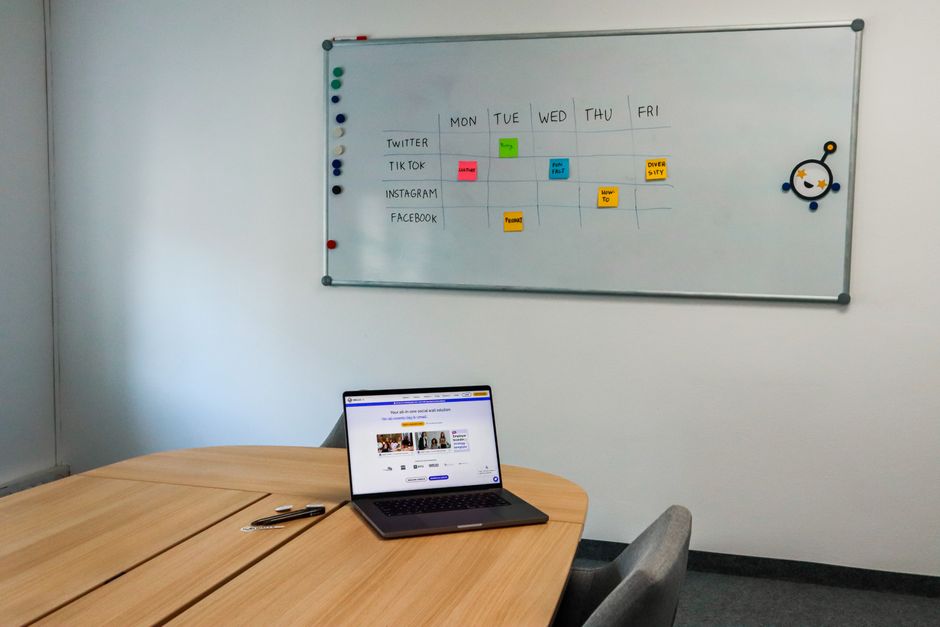
First, link the HalalFaith Ramadan AI Calendar to your primary digital calendar. By granting permission for two‑way sync, any shift entry you add or modify in your work calendar instantly triggers a recalculation of daily prayer times, ensuring that Fajr, Dhuhr, Asr, Maghrib, and Isha are always displayed at the correct moments for your current location.
When shifts rotate weekly, use the ‘flexible reminder’ feature. Instead of static alarms, set a range‑based alert (e.g., “Notify 30 minutes before the next prayer if I have a work shift within the next 8 hours”). The AI evaluates your upcoming shift schedule and only fires reminders that are relevant, preventing unnecessary disruptions during off‑hours.
For professionals traveling across time zones—common in global roles covering the USA, UK, Europe, the Middle East, or Australia—enable the “auto‑adjust for daylight‑saving” option. HalalFaith’s AI automatically recalculates prayer windows and the Sahoor/Iftar countdown, so you never miss a meal or a prayer when clocks jump forward or backward.
If you rely on multiple devices (smartphone, smartwatch, desktop), turn on multi‑device synchronization. The platform pushes the same adjusted schedule to every paired device, guaranteeing that a shift change entered on your laptop instantly appears on your phone and smartwatch, preserving consistency across all touchpoints.
Leverage the built‑in ‘Shift‑Change Detector’. When you update a shift in your corporate ATS or calendar, the AI scans for overlapping prayer times and suggests the optimal Sahoor or Iftar window based on your new work hours. This proactive guidance reduces the mental load of manual calculations.
For night‑shift workers, the daily Salah guide can be set to “night‑mode” which re‑orders the prayer sequence to match your sleep cycle while still respecting the canonical timing. Pair this with the AI Islamic Scholar assistant for quick queries like “Is it permissible to combine Dhuhr and Asr when I’m on call?”
If you need to coordinate with colleagues for group Iftar meals, use the Ramadan AI calendar’s ‘share schedule’ function. Export a .ics file or generate a shareable link so teammates can see when you’ll be free for Iftar, reducing scheduling conflicts in multinational teams.
In regions where public prayer spaces are scarce, the Smart Masjid & Prayer Times Finder can suggest nearby mosques that align with your shift end times. Combine this with the AI’s live audio Adhan feature so you receive a subtle reminder as you approach the mosque, even on a tight break.
Finally, review the weekly summary report each Sunday. The AI provides a concise overview of your upcoming shift‑adjusted prayer times, Sahoor/Iftar countdowns, and any missed alerts, allowing you to fine‑tune settings before the next work‑week begins.
By integrating the HalalFaith Ramadan AI Calendar with your irregular work schedule, you gain a seamless, globally aware solution that respects both professional demands and spiritual obligations—ensuring you never miss a prayer, a Sahoor, or an Iftar, no matter how the week shifts.
For deeper insight on handling daylight‑saving changes in high‑latitude cities, see our guide on How do AI-powered prayer time apps handle daylight saving changes during Ramadan in high latitude cities?.
Related Guide: Is it possible to use the halal ingredient scanner to check halal status of imported artisanal cheeses?